· 5 min read
Why shouts survive voice separation and how to remove them
Separation models remove calm speech well but struggle with shouts, whispers and lines over music. Why this happens and how a second pass over each line deals with it, with audio examples.
A neural network has separated the sound of a film, the no voice track sounds clean, and the studio lays the dub over it. Then, in a fight scene, a shout from the original breaks through the new voices. This is the most common complaint about sound separation. Let us look at why it happens and how to deal with it.
Why the neural network misses shouts
A separation model learns from examples where the speech, music and effects are known separately. It recognizes calm speech with confidence: it has a clear timbre, an even level and pauses between words. Other kinds of speech are harder.
- Shouts. A loud voice sounds different from a normal one: more high frequencies, overtones and distortion. A shout often plays at the same time as explosions, hits and music, and its sound turns out to be similar to an effect. The model splits it between the tracks, and part of it stays in the effects track.
- Whispers and breathing. A whisper has almost no pitch and sounds like noise. The model may assign it to the background.
- Speech over loud music. When music drowns out a voice, it is harder for the model to tell one from the other, and the voice partly goes into the music.
- A voice in a space. The echo in a hall or a cave smears the speech, and the model sometimes takes the tails of lines for the ambience of the scene.
Each such leftover is short, but it is audible under the dub: the viewer recognizes a voice in another language where there should be none.
A second pass over the lines
Voice leftovers do not appear just anywhere: they appear where the lines are spoken. So if you know where the lines are, you can go over exactly those places once more and clean them up.
This is how enhanced line cleanup works in DubStem:
- First pass. The neural network splits all of the sound into voice, music and effects.
- Finding the lines. The program takes the time of each line from the subtitles. If there are no subtitles, it finds the speech itself with Whisper speech recognition.
- Second pass. At each line, with a small margin at the edges, the sound goes through the model once more, and the voice leftovers it finds are removed from the music and effects.
- The rest of the sound does not change. Between the lines the track stays as the first pass made it.
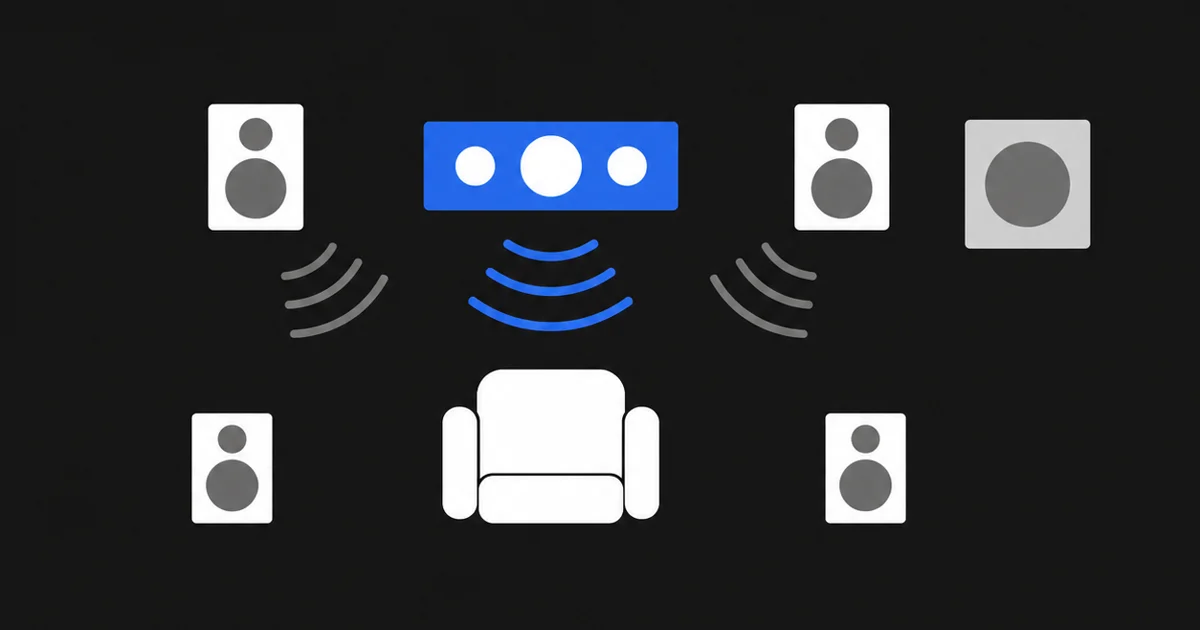
You can lower the strength of the cleanup if it affects the music. By default the cleanup works on the center channel of 5.1, where the main dialogue plays. If the voice is also audible on the sides, you can turn on cleanup of all channels.
Hear the difference
Below are clips from the open film Tears of Steel. Switch between the versions during playback. “One pass” is the track after the first pass, without line cleanup. “DubStem” is the track after both passes. “Filmmakers’ track” is the official track without dialogue from the makers of the film: this is how a perfect result sounds.
The film sound together with the actors’ voices.
Tears of Steel (CC) Blender Foundation, mango.blender.org. Licensed under CC BY 3.0. Audio processed with DubStem.
What the measurement showed
Tears of Steel has an official track without dialogue, so the result can be compared with it by more than ear. We took 76 lines from the subtitles of the film and, in each one, compared the sound level in the speech band (300 to 4000 Hz) with the official track.
| What we compared | Lines where the level is more than 3 dB above the official track |
|---|---|
| The original film sound with the voices | 63 of 76 |
| The DubStem no voice track | 1 of 76 |
In 5 more lines our track was more than 3 dB quieter than the official one: part of the music or effects went away together with the voice. This is an instrument measurement on one short film, not a listening test, so the result on other material may differ.
What to do if a leftover is still audible
- Check the source of the lines. If a line is in the film but not in the subtitles, the second pass will not touch it. Speech recognition finds lines without subtitles, but it takes longer.
- Turn on cleanup of all channels if the voice is audible in the side or rear channels of 5.1.
- Save files for checking. DubStem has a setting that saves exactly what the cleanup removed. This makes it easy to hear whether anything else went away together with the voice.
- Protect songs. If people sing in the film, speech recognition may take the lyrics for lines, and the cleanup will affect the singing. For opening titles and songs DubStem has a “Do not touch ranges” (Не трогать отрезки) field: within the time you enter, the no voice track stays an exact copy of the source.
To learn why the problem cannot be solved by simply removing the center channel, read the article why muting the center channel of a 5.1 mix does not remove the dialogue.
We show the program on a call and open 7 days of full access